Context
A powerful legacy tool that needed to become approachable for a new generation of users.
Content Services is a SaaS product that helps businesses securely manage content like documents, images, and audio files. It is the new experience of a legacy tool formerly called FileNet. As FileNet transitioned to SaaS, the product needed to become easier to learn, easier to navigate, and more approachable for a broader audience, while still supporting powerful admin workflows.
The challenge
How do you simplify a complex legacy admin experience into a modern SaaS product within one year?
FileNet was successful, but the admin experience was complex and documentation-heavy. Admins had to jump across multiple interfaces to complete work, and terminology felt too technical for new and business-oriented users.
Kickoff
Starting with a 2-day Enterprise Design Thinking workshop.
Before any design work began, I led a 2-day Enterprise Design Thinking workshop with Product Management, Development, Research, Content Design, and my design team. The goal was to build shared understanding, surface assumptions, and align on what mattered most.
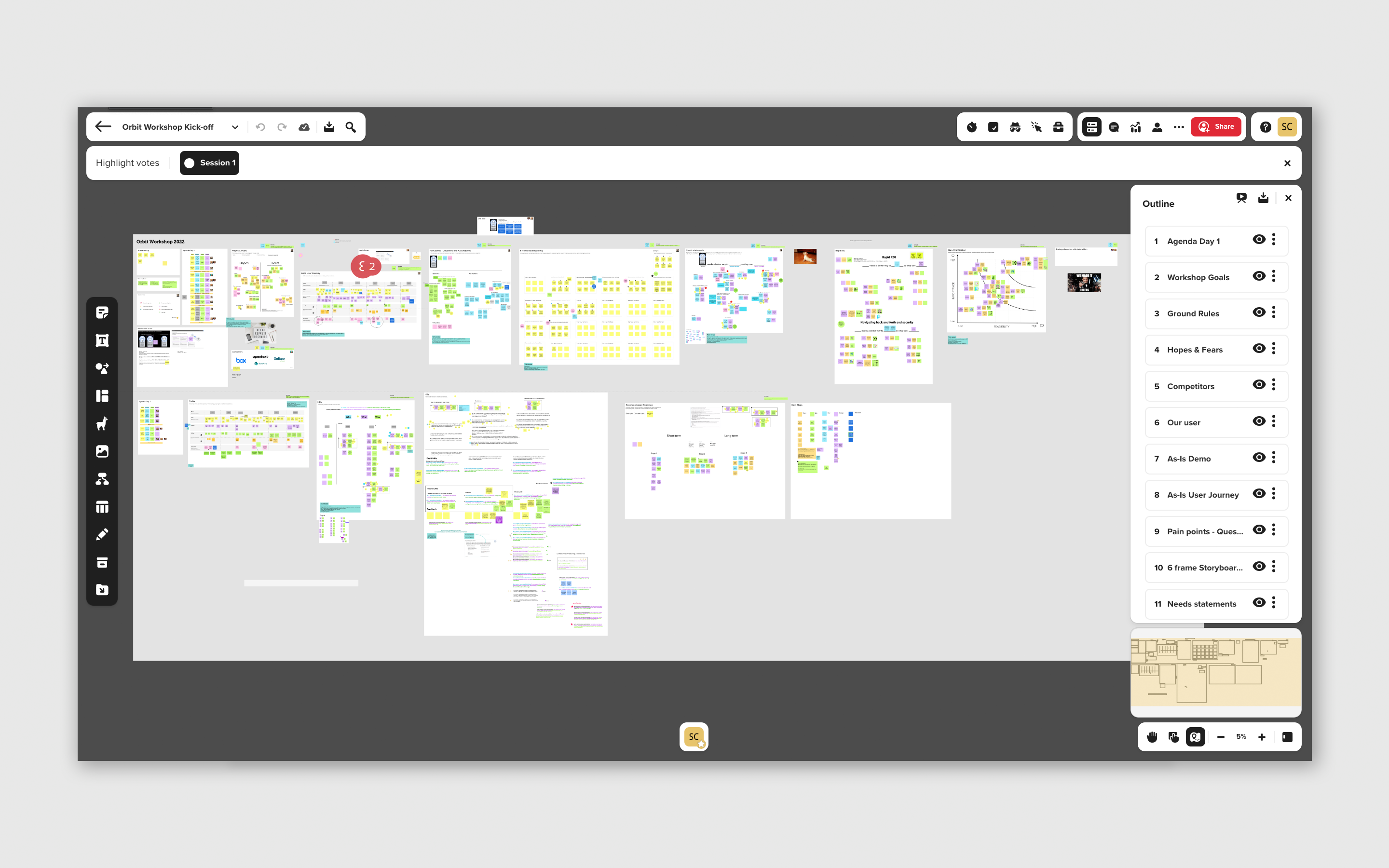
Hopes and Fears
As-Is Experience
Questions and Assumptions
User Needs
Big Ideas and Prioritization
To-Be Experience and Stages
Research
Understanding the admin before redesigning for them.
Our researcher conducted secondary research with 6 internal IBMers who worked directly with Content Services clients, followed by 1-hour interviews with 10 content administrators focused on their responsibilities, team structure, pain points, and needs.
Admins need help getting started. They did not want to depend on documentation to begin their work.
Multiple interfaces overwhelmed them. Sending admins to different UIs to complete their work caused confusion and errors.
Terminology was a barrier. Prospective users struggled to understand FileNet's technical language as the product shifted to business-oriented SaaS users.
Admins work in teams with different levels of expertise. The experience needed to support both new and experienced admins.
Contessa
The Content Services Administrator
An admin at a car insurance company who needs to set up the system so customer service can process auto claims. She manages metadata, secures content by role, and configures the desktop workspace for her team.
Design
Designing the three core admin workflows.
Based on research insights and the end-to-end story, my team and I designed the key admin workflows needed for Content Services using Contessa's scenario as our design anchor.
Manage content
Create metadata used to organize content, like labels that help sort and find documents.
Secure content
Define roles and access tied to metadata so only the right people can see sensitive content.
Configure desktops
Set up user desktop environments with the right tools, views, and access for each role.
Contessa's story
Aligning the team around one end-to-end scenario.
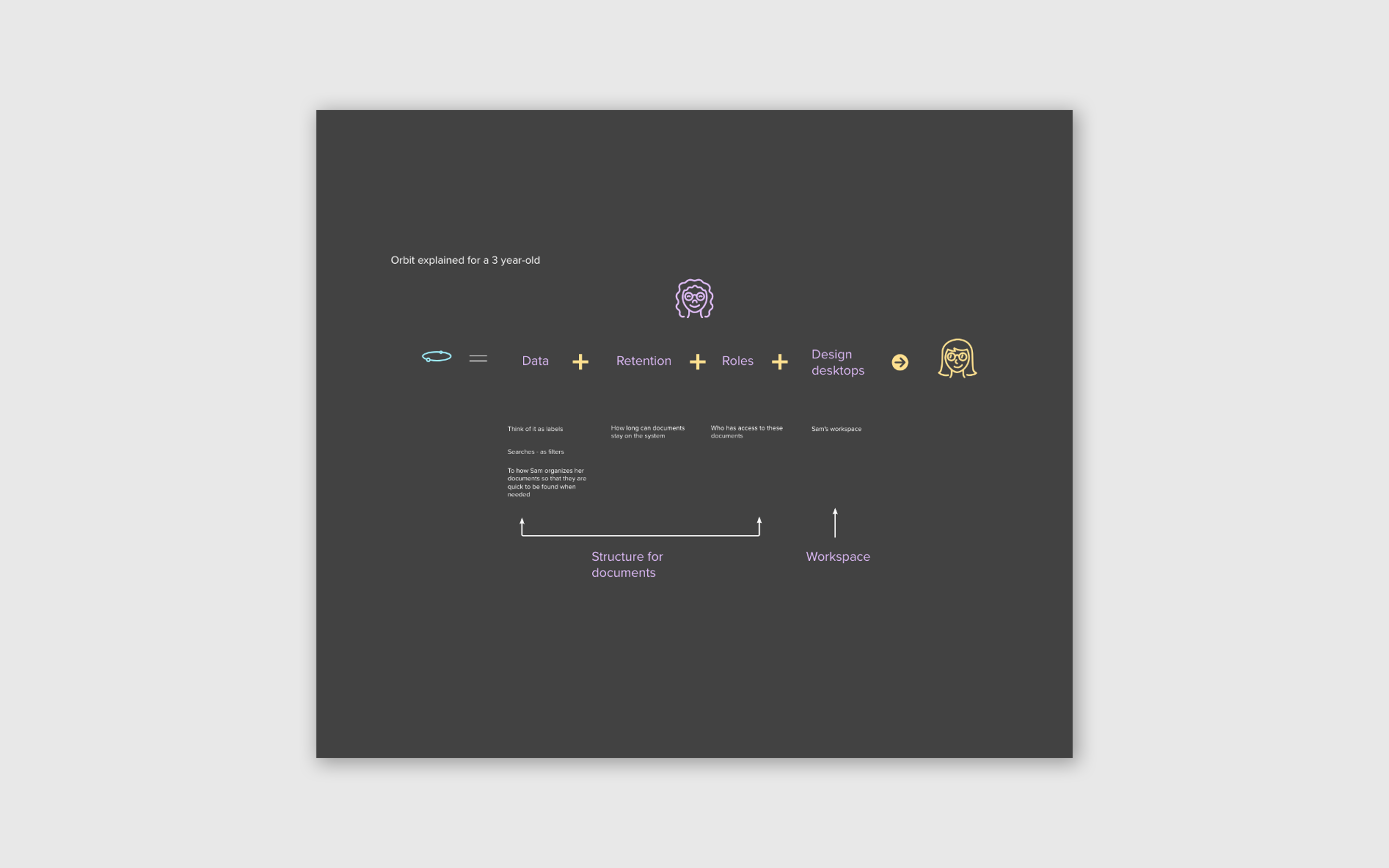
During the kickoff workshop I noticed we had no clear end-to-end user path tied to a real use case. I partnered with three product managers to craft a story around Contessa, the Content Services administrator. She works at a car insurance company and is tasked with helping customer service organize car claims.
As-Is workshop activity
These four frames show the progression from the As-Is activity during the kickoff workshop: from mapping the complex legacy experience to distilling it into a simplified end-to-end story that shaped everything that followed.
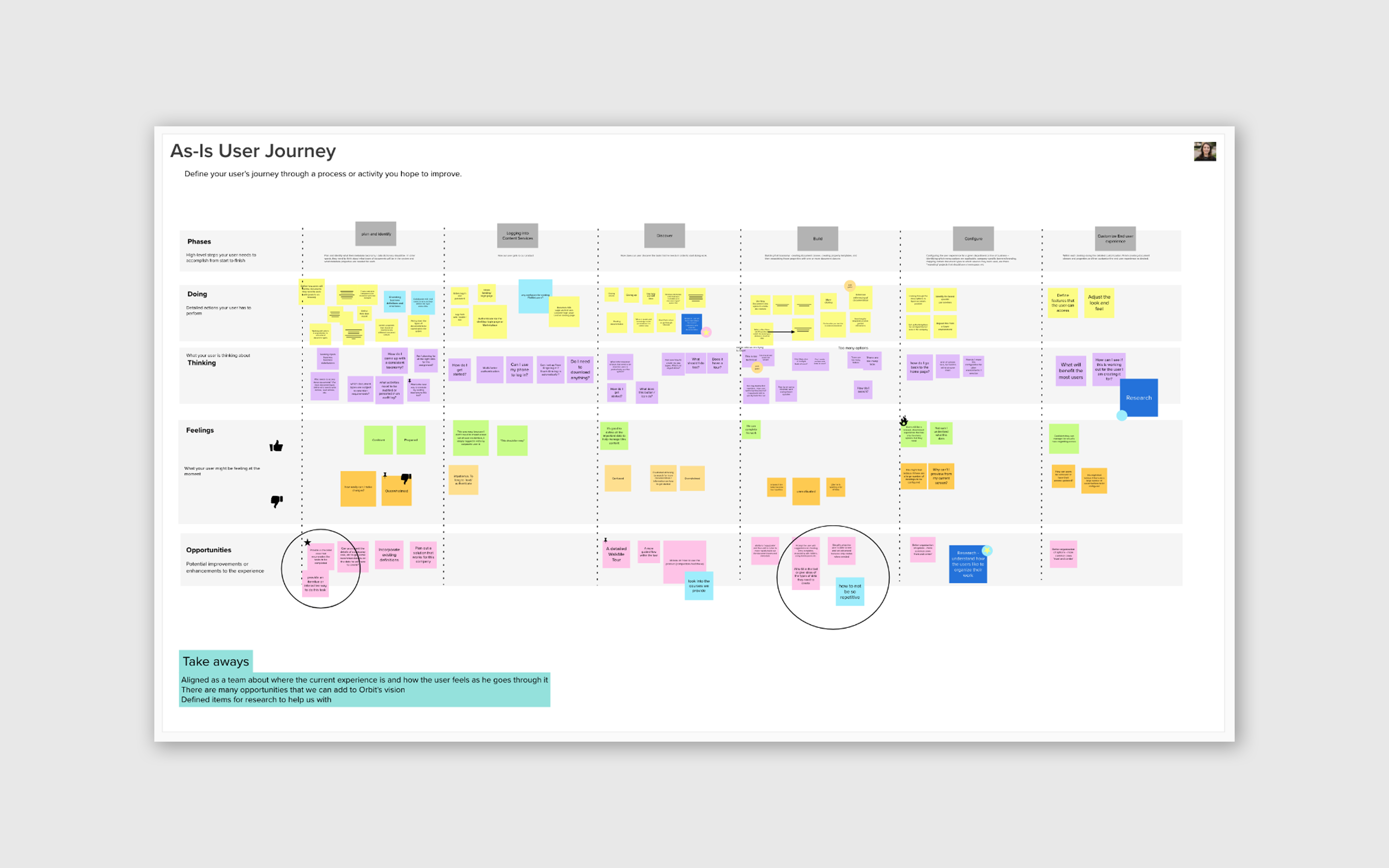
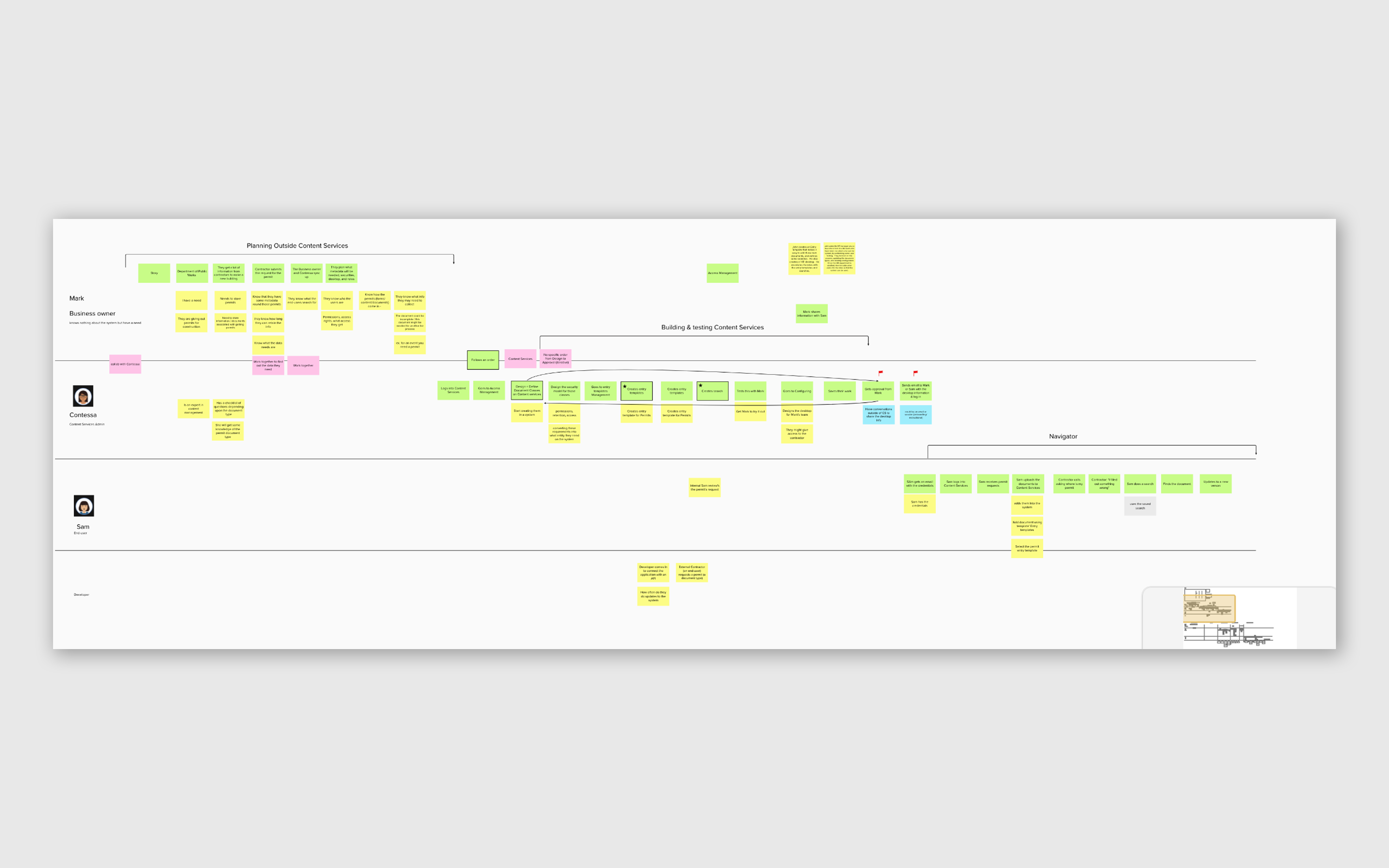
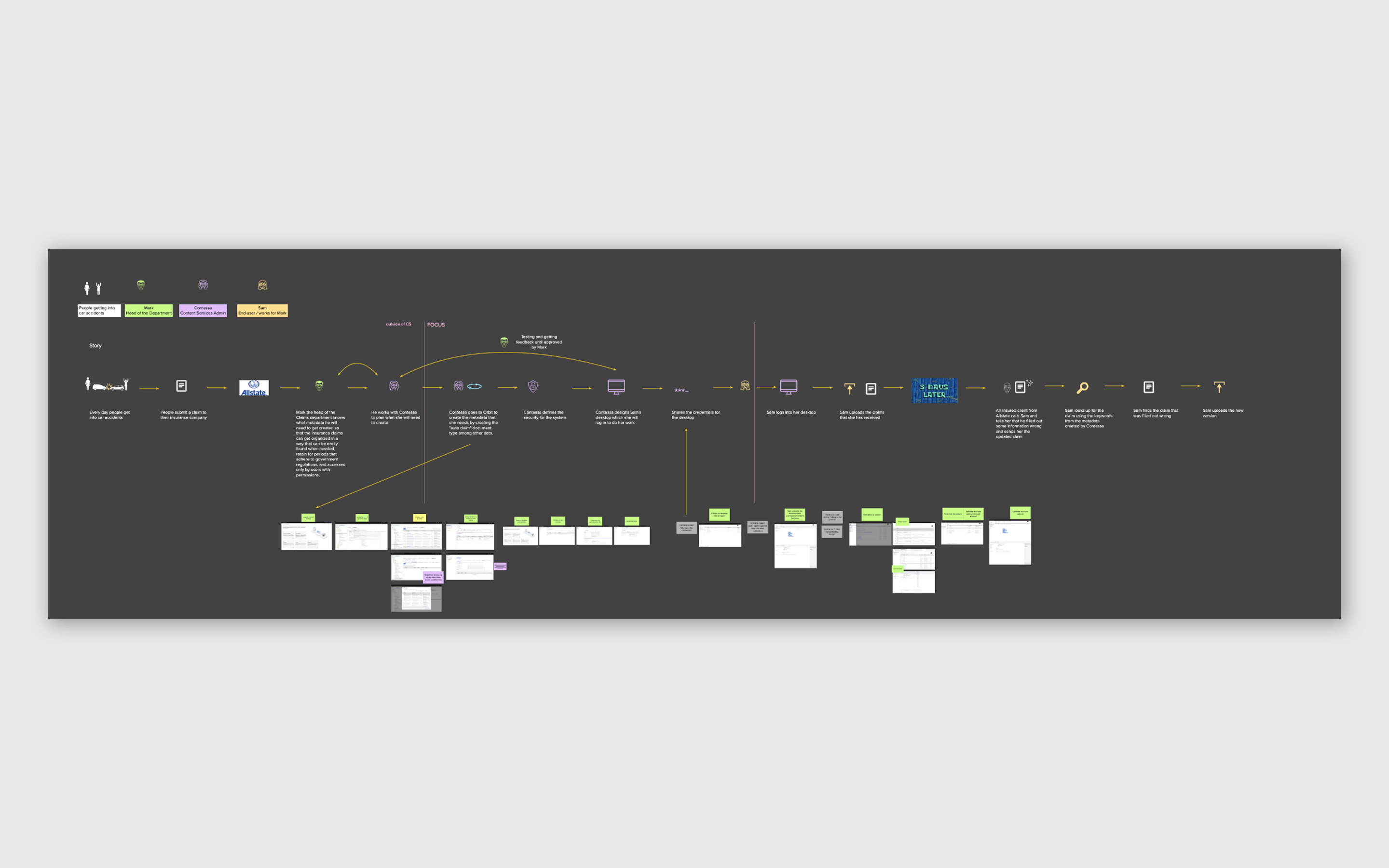
Click any image to zoom
This story gave the entire team design, PM, engineering, and content a shared mental model to build against. It onboarded new designers faster, aligned stakeholders on scope, and became the anchor for every design decision throughout the year.
Onboarded the design team faster with a clear shared narrative
Built shared understanding across PM and engineering so everyone was building toward the same goal
Validated directly with users in research sessions to confirm accuracy
Roadmap
Staying on track across a year of delivery.
To ensure we could deliver the full MVP within one year, I partnered with Product Management and the lead developers to define and prioritize a roadmap for Stage 1.
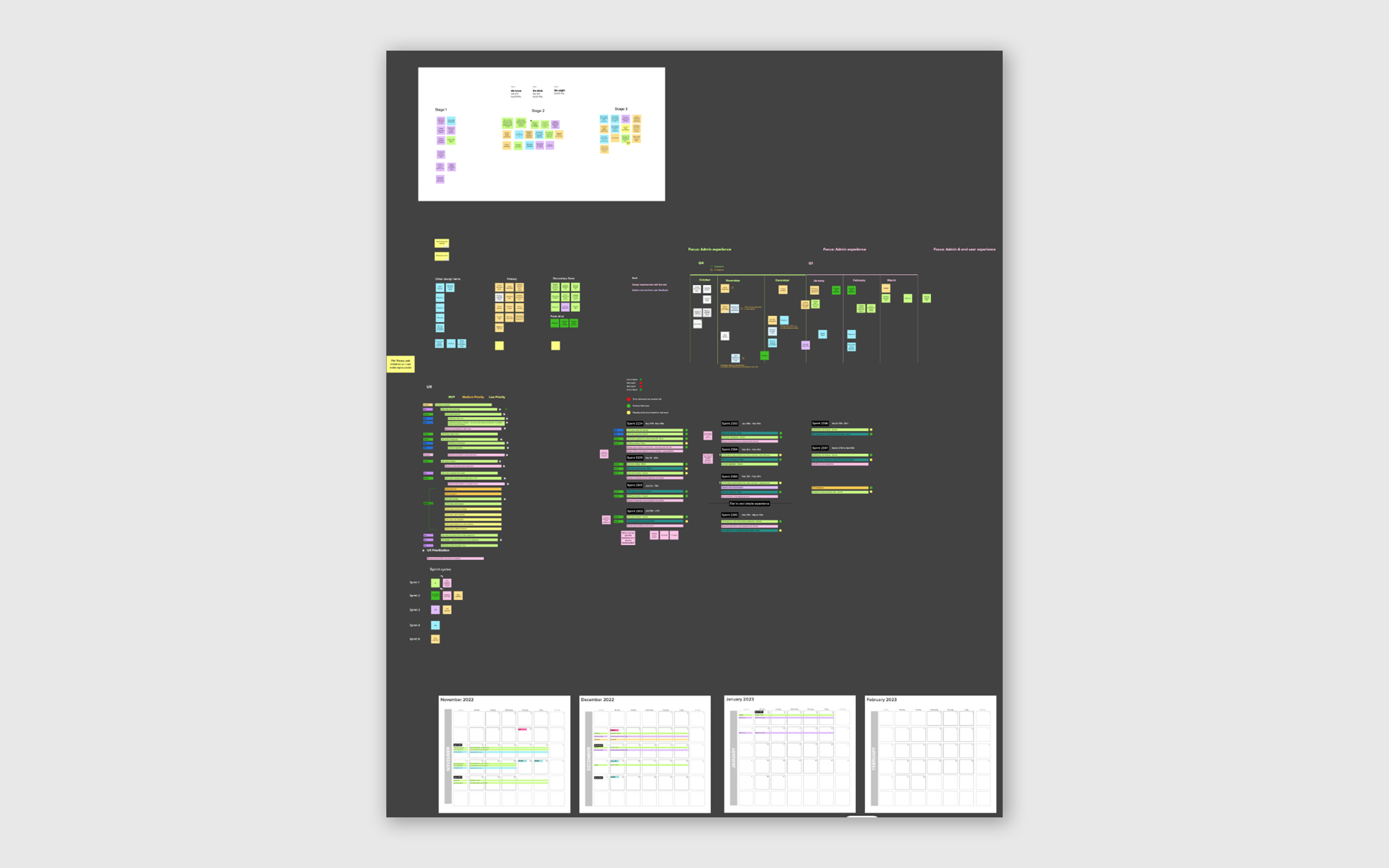
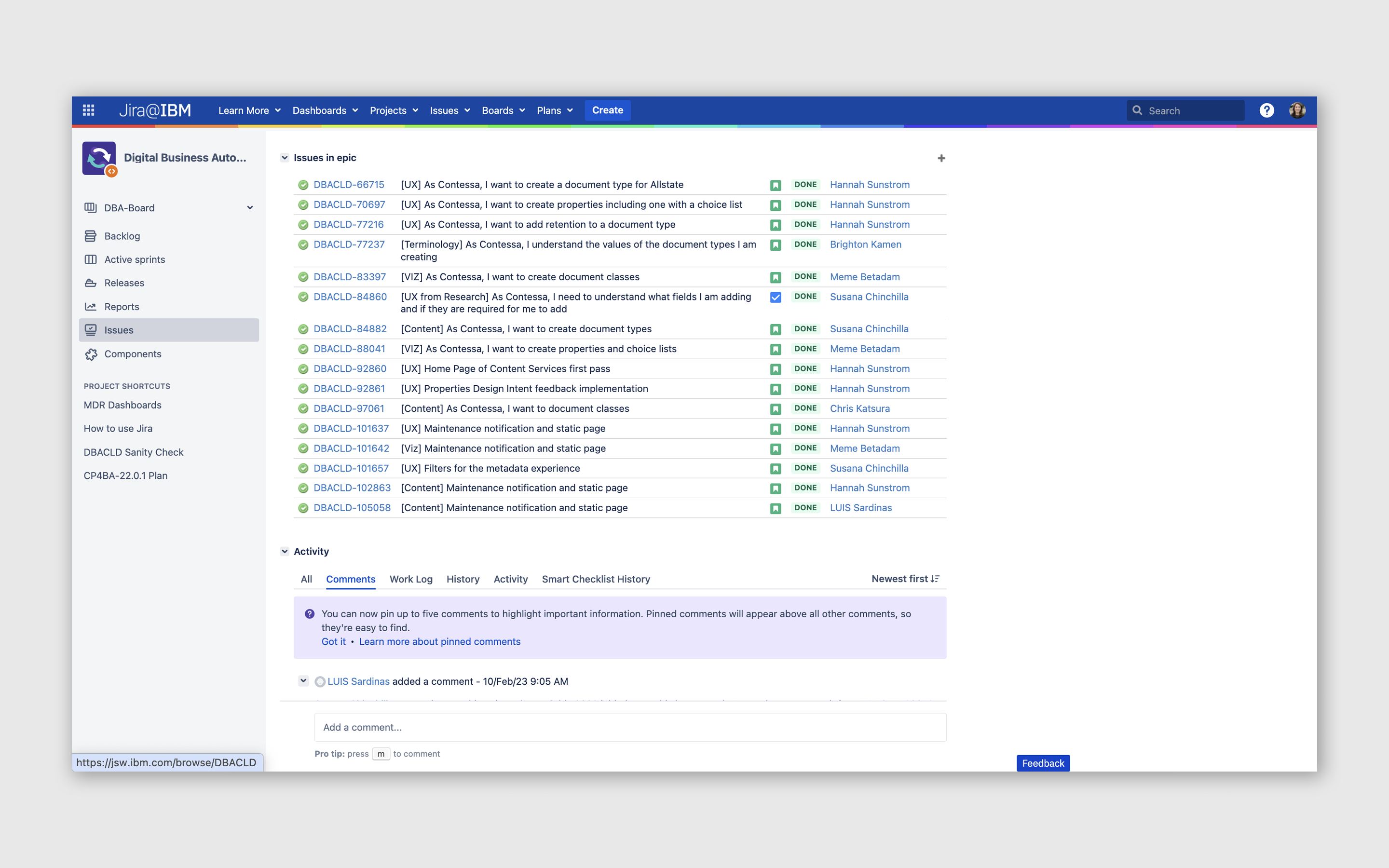
I tracked the work on Jira and met with Product Management and the Development Lead every month to discuss where we were and make adjustments as needed. These regular check-ins kept the team aligned and allowed us to reprioritize quickly when new topics emerged.
Homepage redesign
Using the Home Page as the clearest before-and-after.
FileNet's legacy Home Page sent admins to two completely separate interfaces just to start their work.
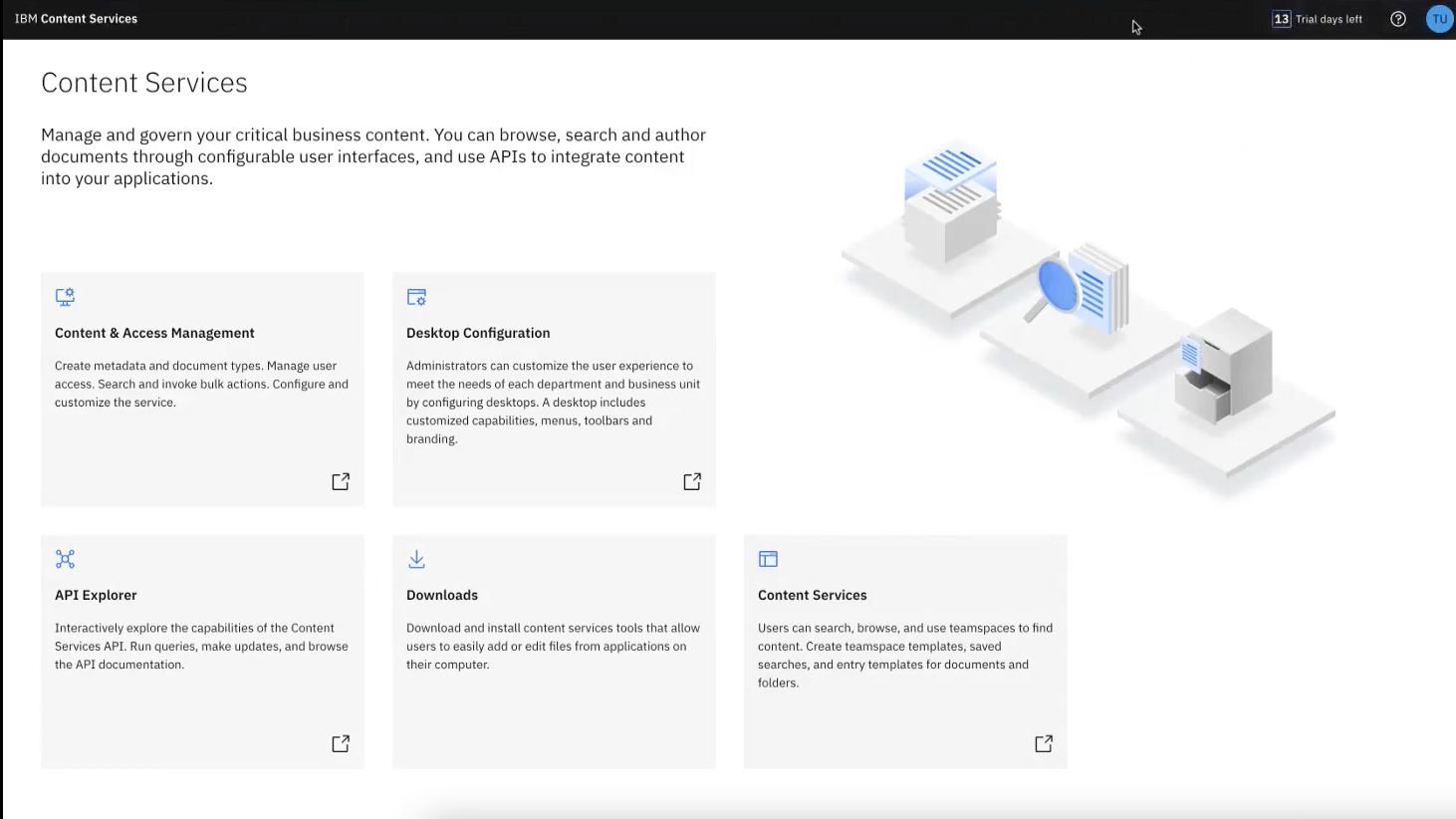
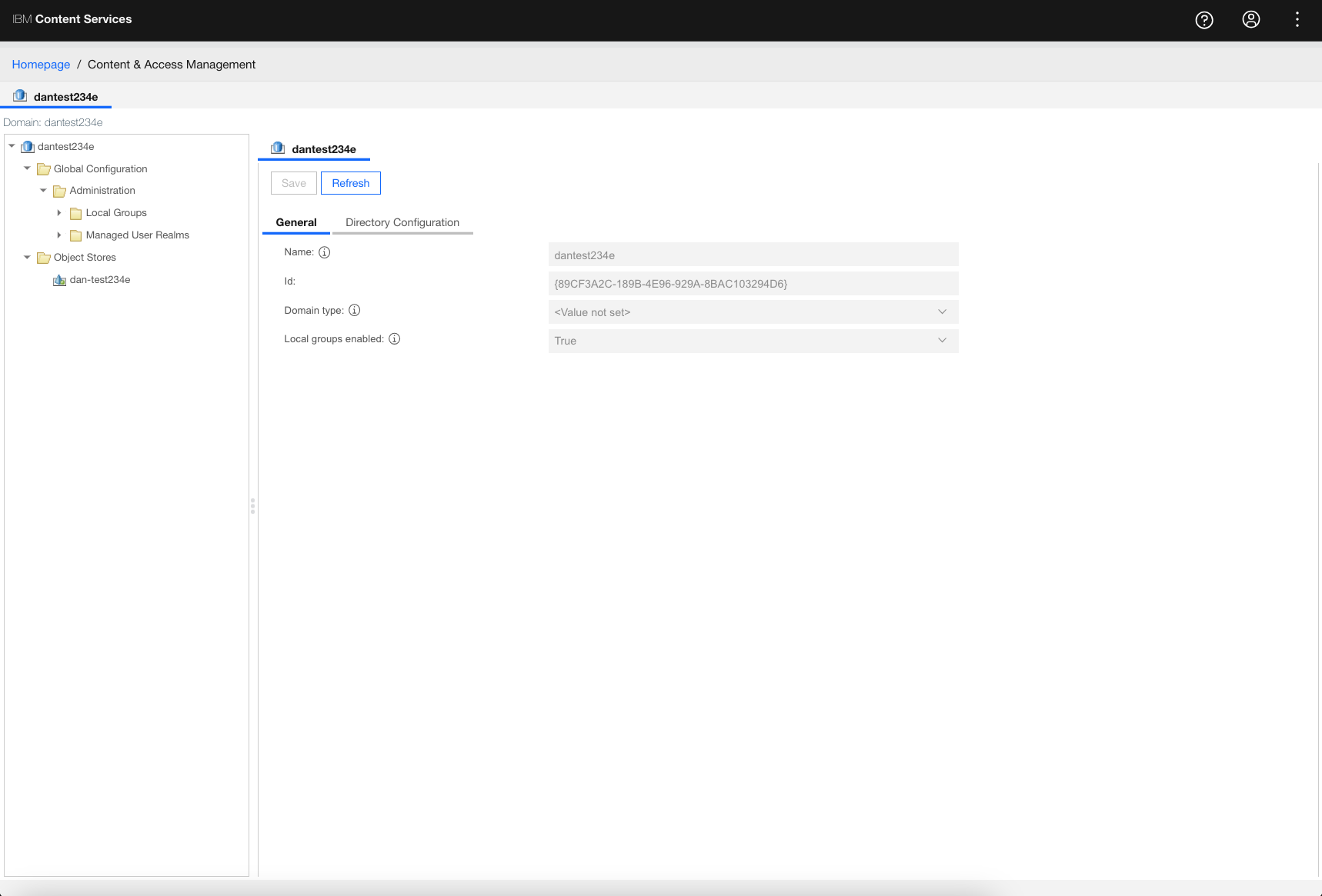
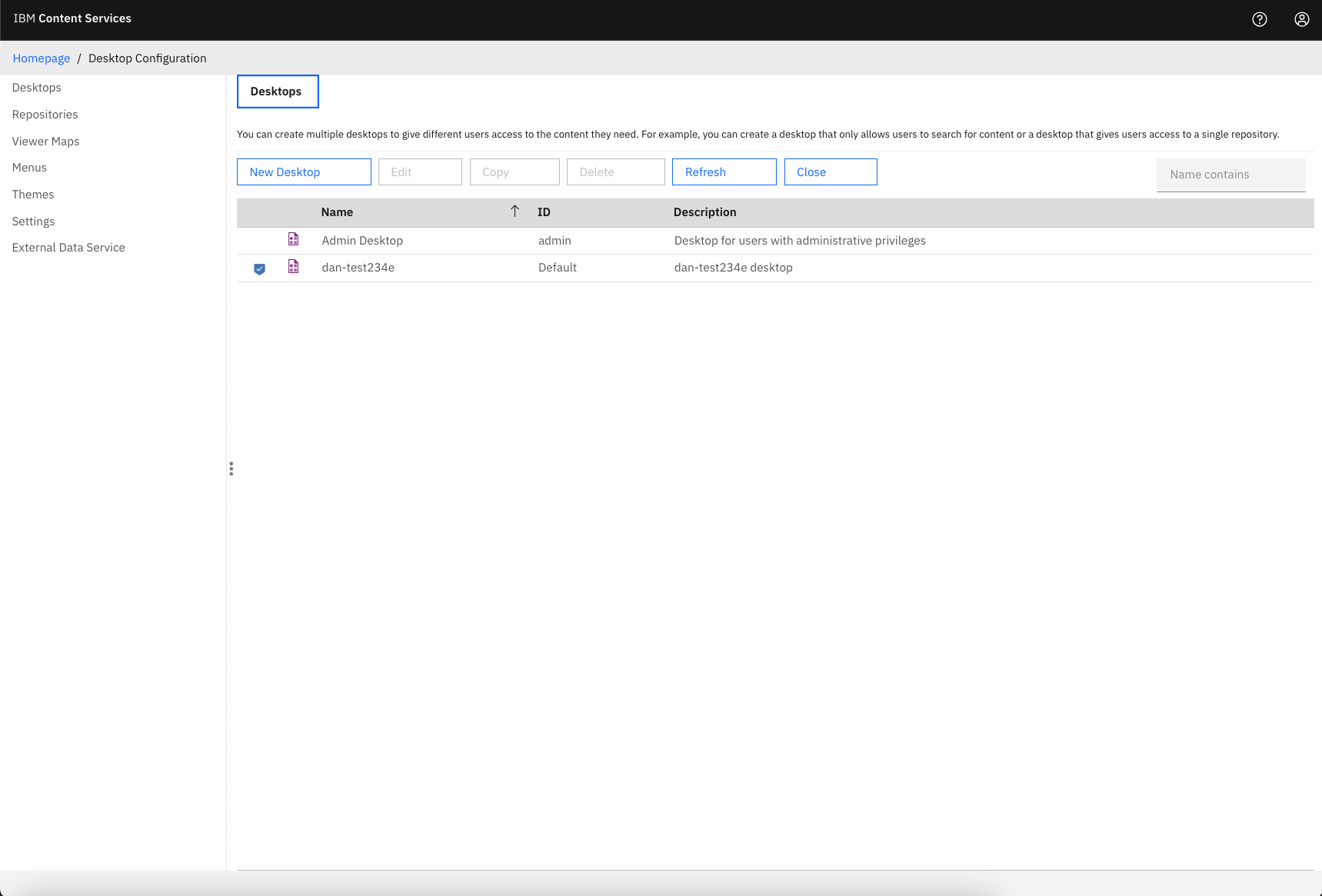
Content and Access Management opened in one UI. Desktop Configuration opened in another. There was no clear starting point, no personalization, and no in-product guidance. Admins were confused and dependent on documentation.
Ideation Home Page workshop
I decided to host a workshop.
Throughout my time in the Automation organization I had seen designers solving the same problem with different methods and terminology. To make our products more consistent, I organized a workshop and invited everyone in the Austin studio involved in this project.
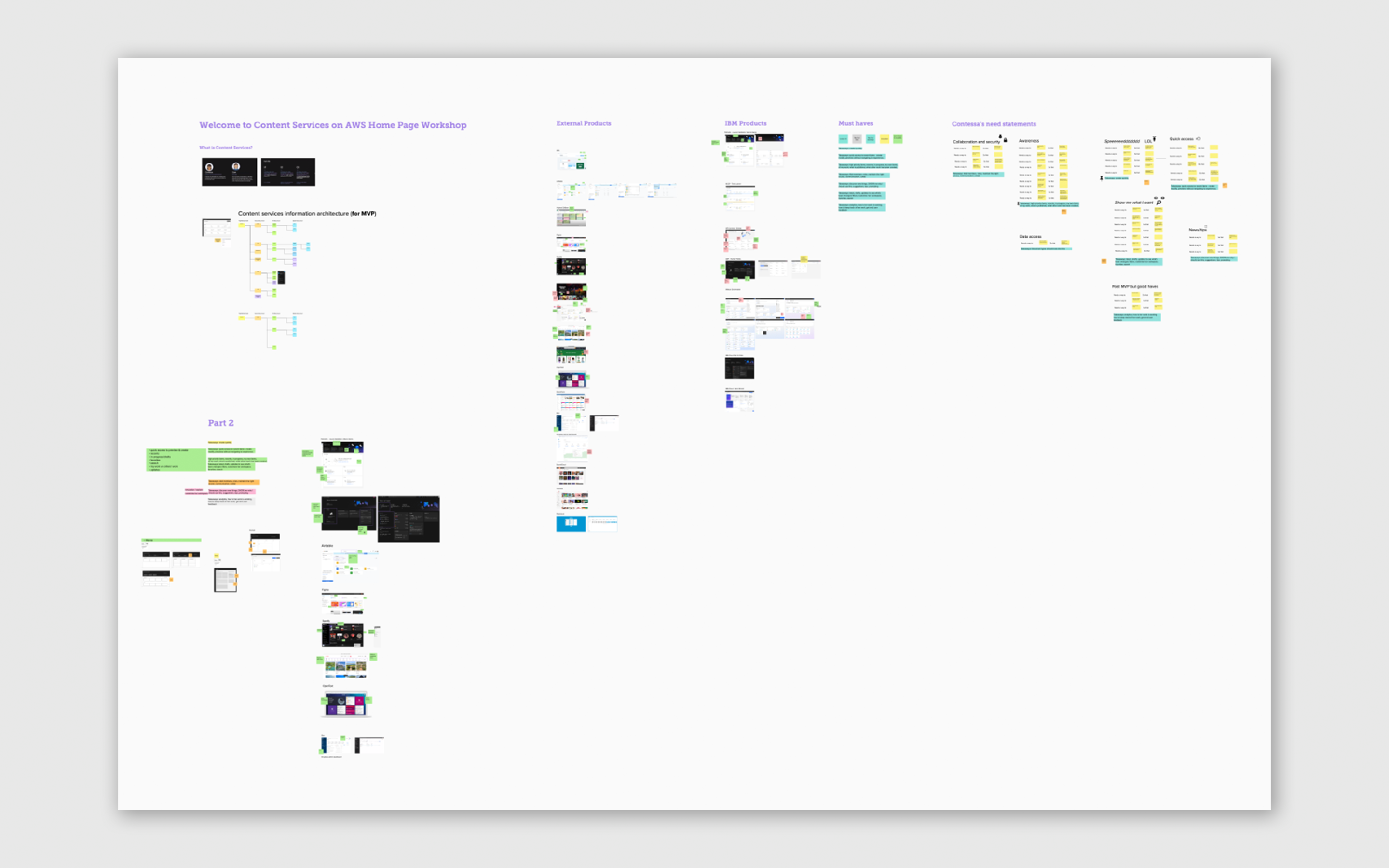
Participated in the User Needs EDT activity to discover Contessa's needs for the Home Page
Reviewed internal IBM home screens to identify best practices and what to avoid
Reviewed products we use daily to understand what makes them effective
Encouraged by the curiosity of others and the positive feedback from the workshop, I was inspired to establish weekly Design Critiques for any IBMer in the Austin studio welcoming any role to share ongoing projects, gather feedback, and increase collaboration across teams.
Workshop outcome
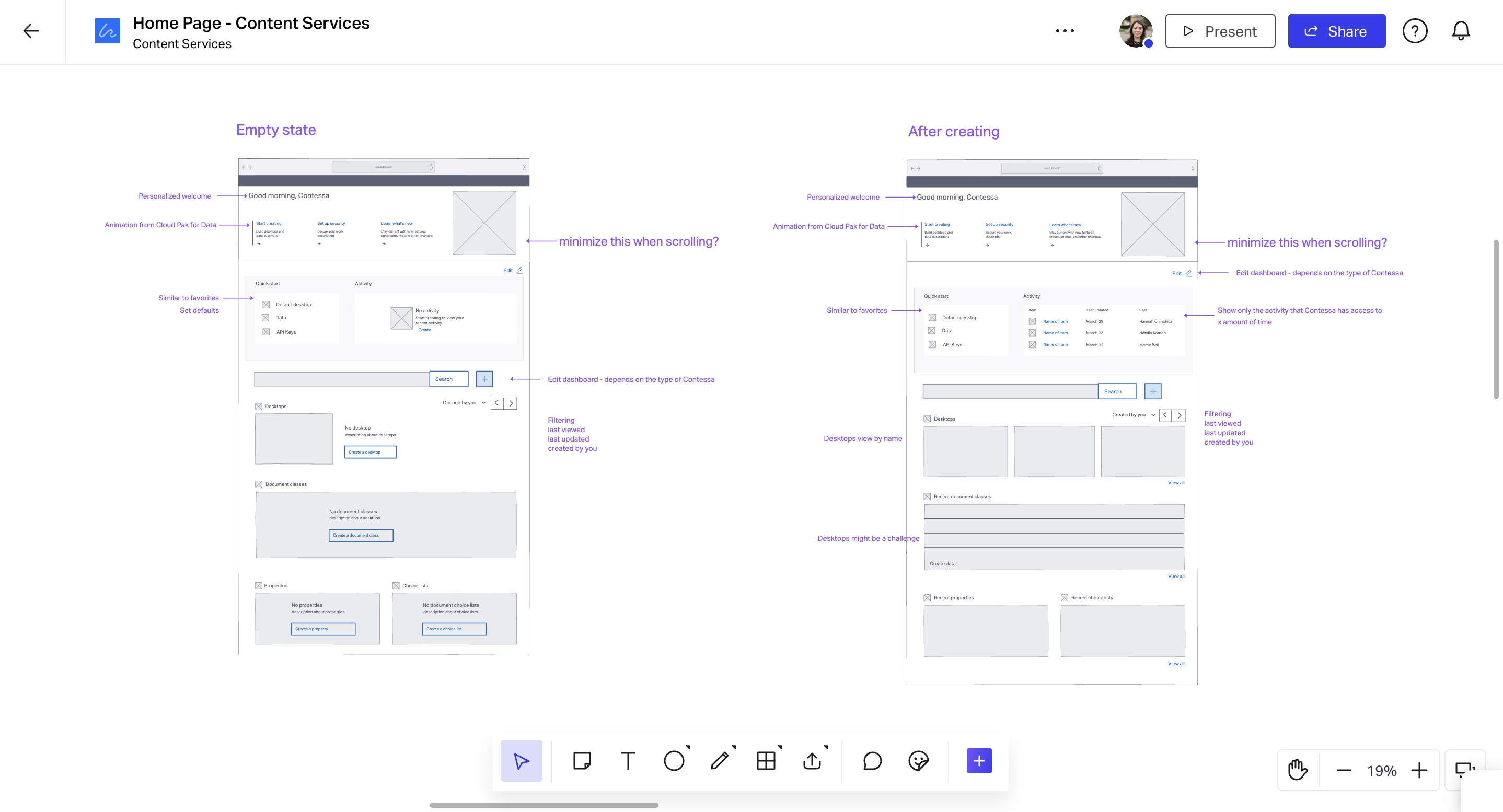
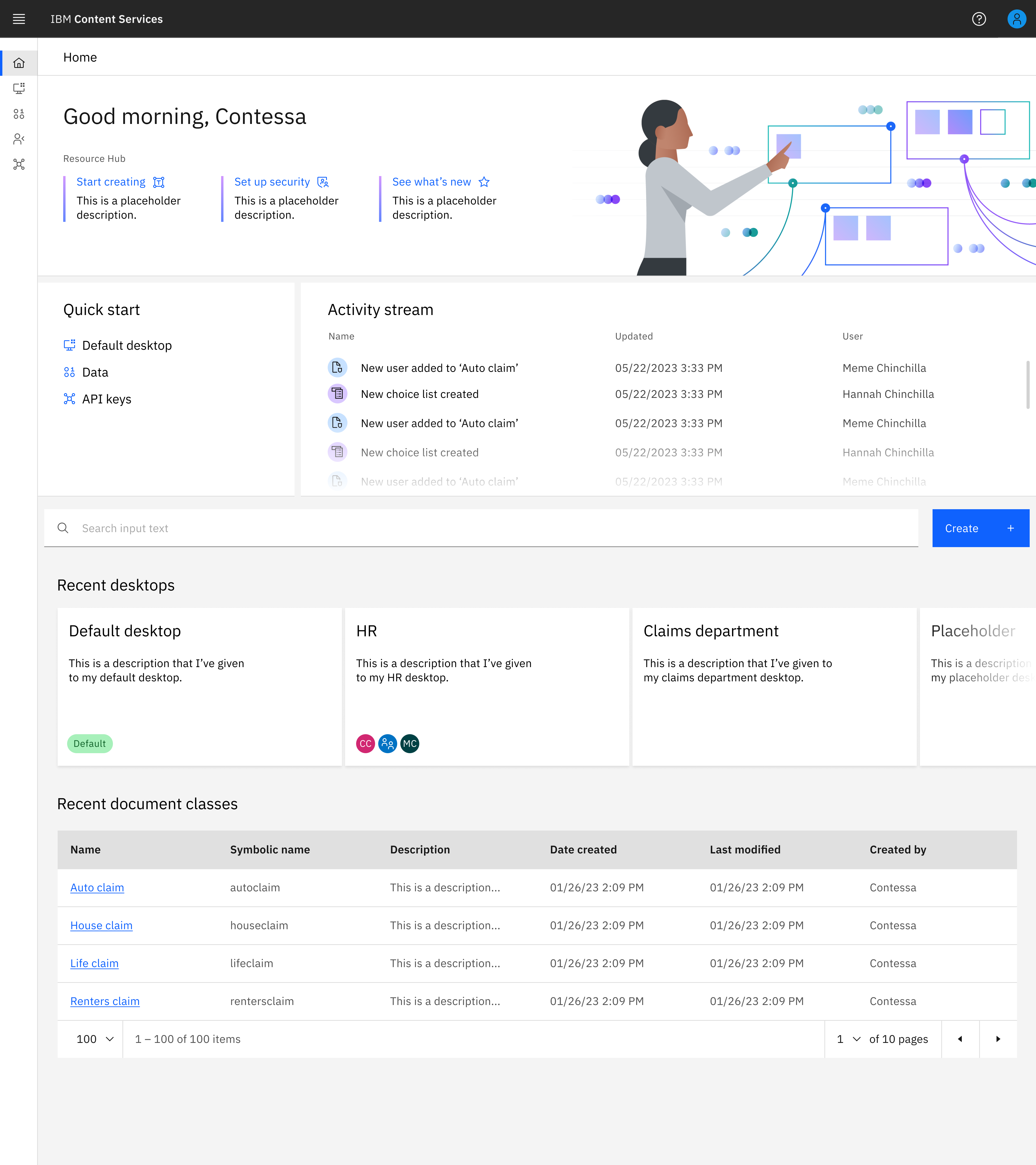
New homepage
The final design enables Contessa to:
Feel welcomed, greeted by name and time of day
Start creating without navigating to another UI
Get a quick overview of all her work in one screen
Follow an in-product walkthrough without depending on documentation
Organize the screen based on the task she focuses on
See a feed of teammates and what they have worked on
Use quick links based on personal preferences and learn about new product updates
"Clarity beats complexity. Modernizing a legacy tool is about removing confusion, not adding features."
Personal reflection from the Content Services projectOutcomes
Delivered on time. Recognized for impact.
ROI influenced
Redesigned a legacy enterprise platform used by large organizations, contributing to significant ROI and improved customer satisfaction.
Delivered on time
Led a team of 4 designers to deliver a modernized foundation for Content Services SaaS within the one-year timeline.
Design score improved
Improved the overall design and user experience score reviewed by IBM's Design and User Experience committee.
Culture Catalyst Award
Recognized with the IBM Culture Catalyst Award for rebuilding collaboration and design culture in the Austin Studio.
Reflection
What this project taught me.
Lessons I carry forward
Alignment creates speed. When teams share one end-to-end story, decisions get easier and execution gets faster.
Clarity beats complexity. Modernizing a legacy tool is often about removing confusion, not adding features.
Culture is part of the work. Building relationships and trust made collaboration smoother across roles and time zones.
If I could redo one thing: I would start building team culture earlier to create trust from day one, not later through retrospectives.